Custom stickers made easy with AI

Free AI Sticker Maker

Just describe the sticker you want or upload a photo. Our AI image generator will turn it into a custom sticker—no design skills needed.

Matching sticker packsConsistent charactersPNG & GIF downloads
A matching red panda AI sticker pack with laughing, surprised, celebratory, and unimpressed reactions
Sticker Maker

Create a sticker or matching pack.

Start with your character, choose your reactions, and create a sticker or sticker pack. Add animation when you’re ready.

Generated previews are AI-made. Check details before sharing.

Or create a character using the text box below.
This action uses 1 credit.

About 30 seconds.

No image needed. Describe your character, then review it above.

Checking credits…

Your character

Upload an image or create a character below the preview. You can use it as-is or make changes here.

Style optional
Choose a style

Explore our AI sticker tools

Sticker Maker

Fast and Easy to Make Custom Stickers With AI

Our AI sticker maker simplifies the sticker-making process. In just a few clicks, you can turn your ideas into a custom sticker or a matching sticker pack. Just describe the sticker you want or upload a photo, and our AI image generator will create stickers that match your idea. No design skills are needed at all.

Try Sticker Maker →
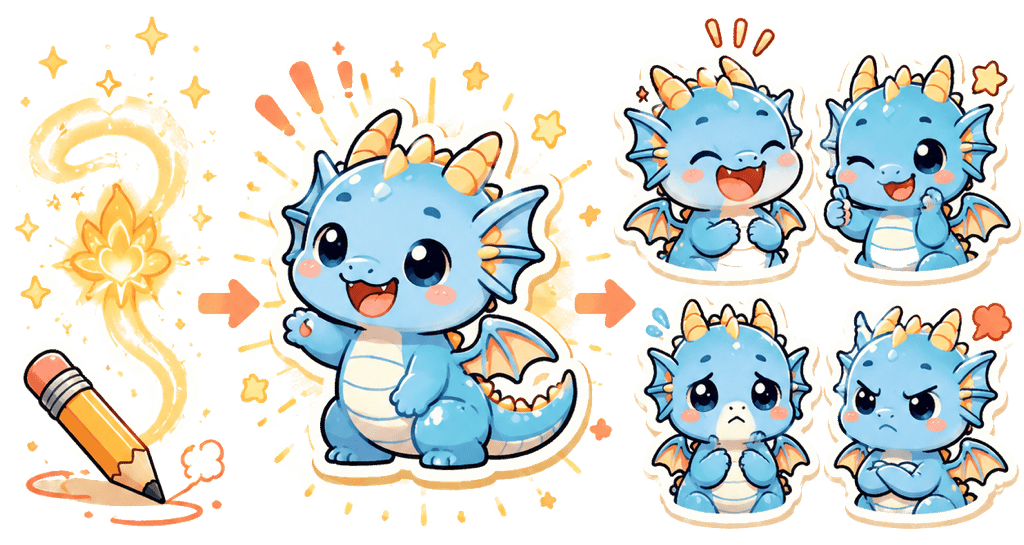
A visual story of an idea becoming a matching blue dragon sticker pack
Sticker Mixer

Mix Two Images Into One Custom Sticker

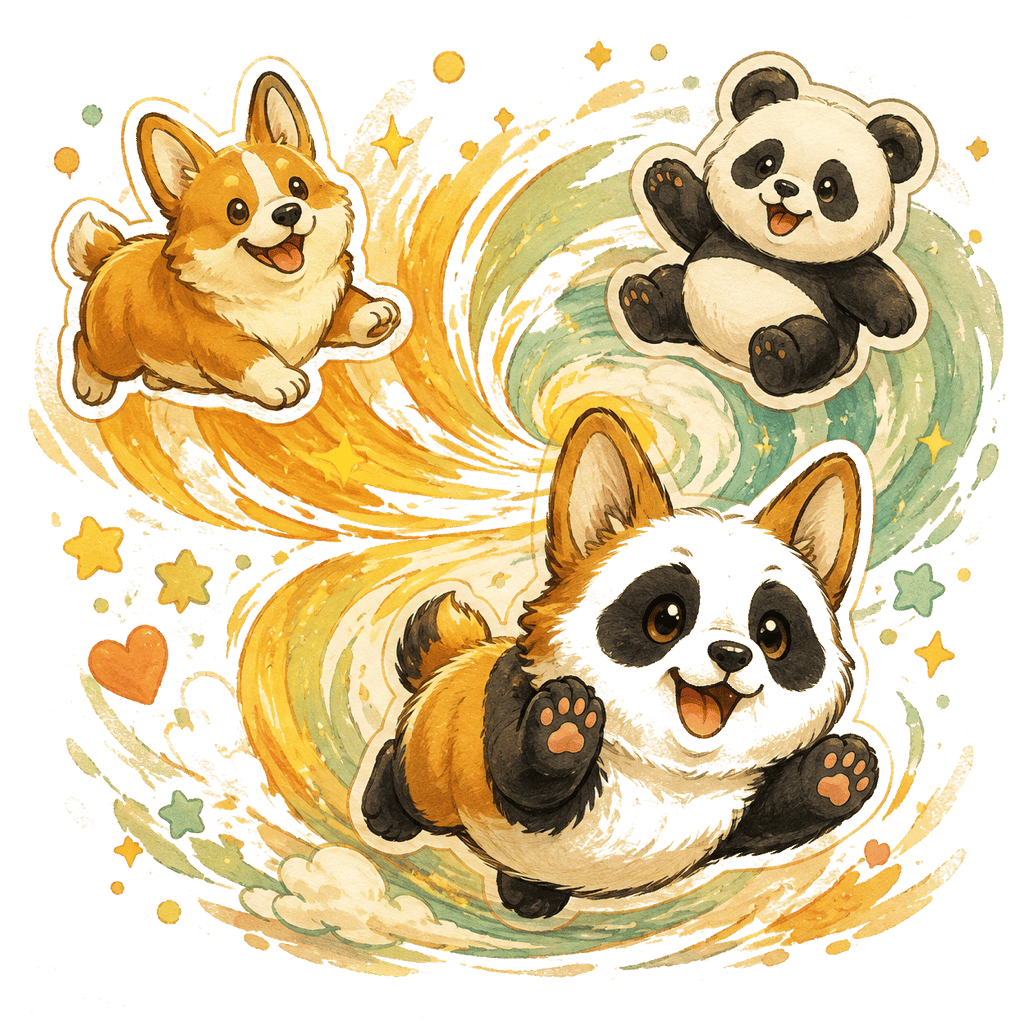
Creating a new sticker from two images is simple. Just upload two characters, pets, objects, or photos and tell us how you want them mixed. Our AI image generator will handle the rest and create a new sticker that combines both images, not a side-by-side collage.

Try Sticker Mixer →
A visual story of a Corgi and panda becoming one hybrid sticker character
Sticker Editor

Edit Your Sticker Designs With Powerful AI

Go beyond just generating stickers. Upload a sticker you already like and describe what you want to change. Our AI image generator can update its mood, outfit, details, or art style, so you can easily customize a sticker until it feels right.

Try Sticker Editor →
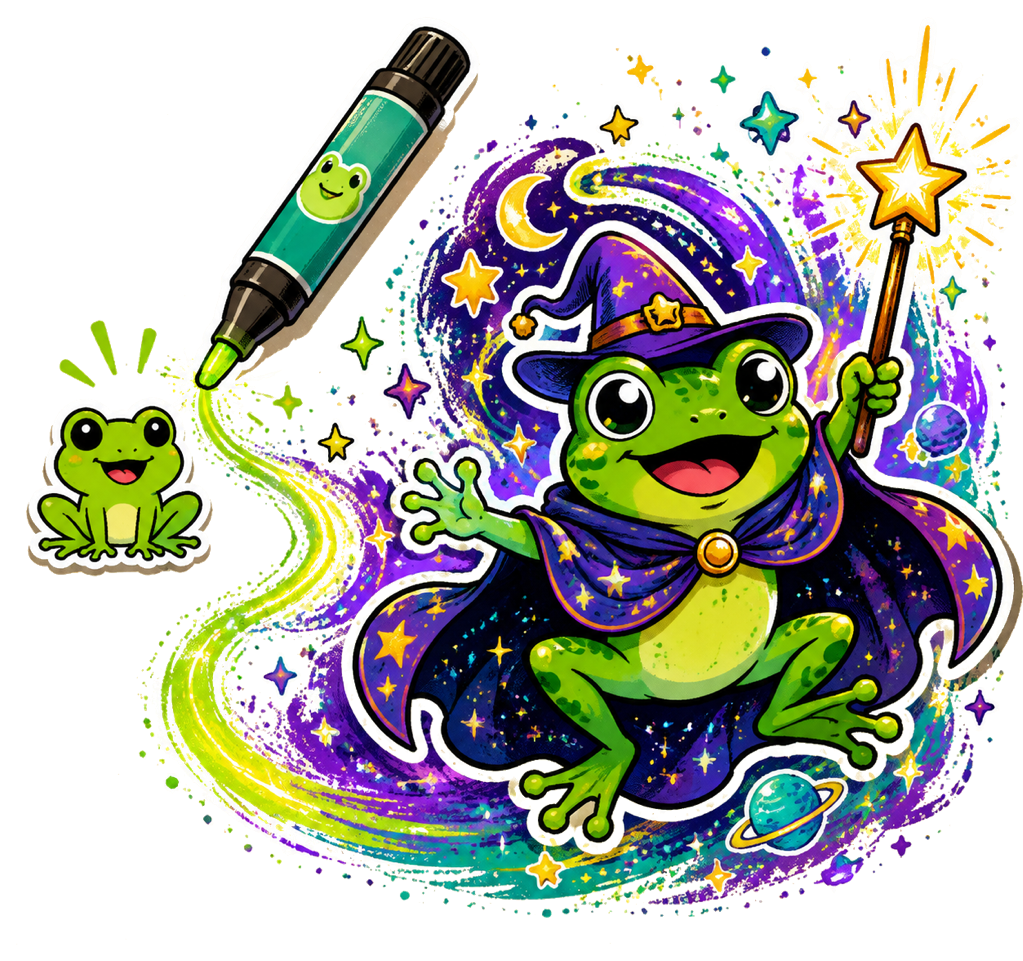
A visual story of a simple frog sticker becoming a cosmic wizard frog sticker
Sticker Animator

Animate Your Sticker With AI

Turn any sticker into a looping GIF in just a few clicks. Upload a sticker or choose one you made here, then describe the action you want. Our AI animation generator will create a short animated reaction for you, ready to download and share.

Try Sticker Animator →
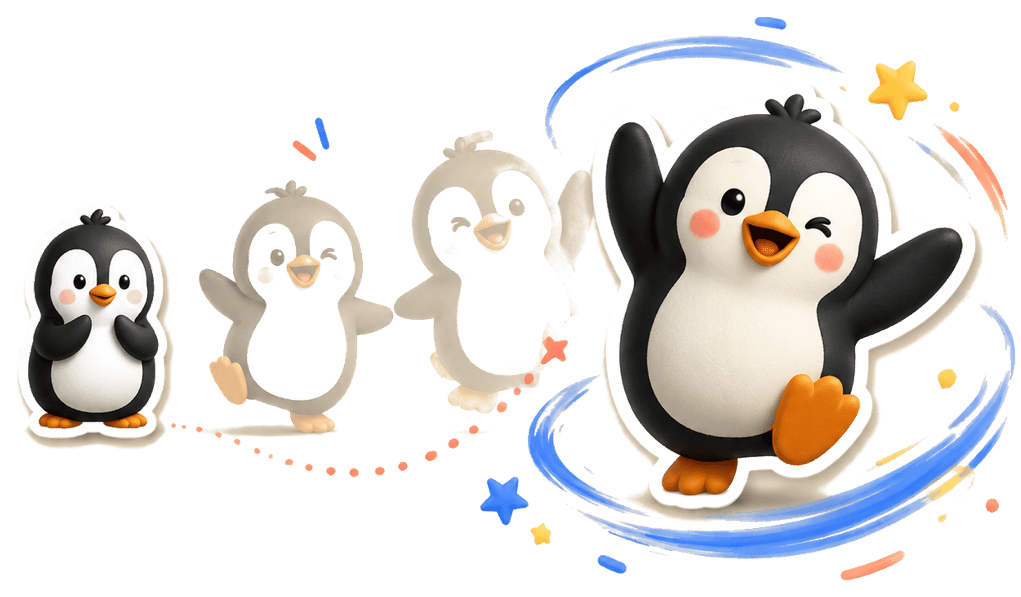
A visual story of a static penguin reaction becoming a looping animated sticker
What to make them for

Custom stickers for every chat.

Make reactions that feel personal in group chats, communities, streams, and everyday celebrations—then download transparent stickers and GIFs to share wherever you talk.

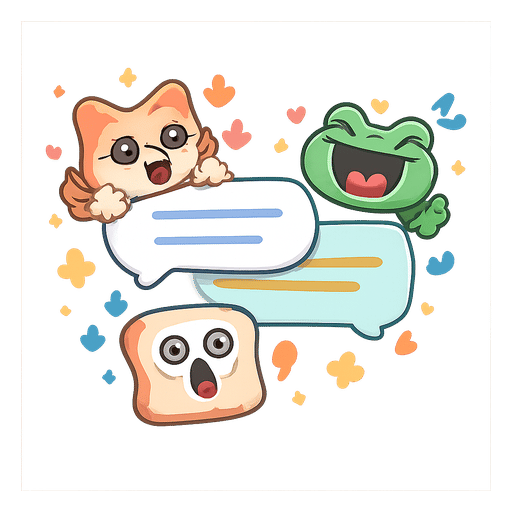
A cat, frog, and toast sticker reacting around chat bubbles

Group chats

Build the reactions your friends actually repeat: hello, LOL, no way, thank you, and the in-jokes only your group understands.

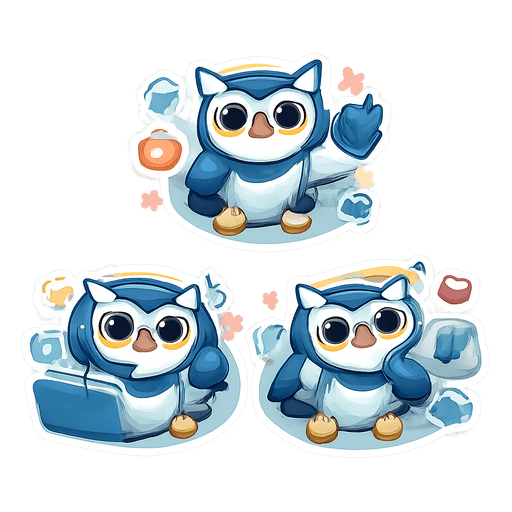
A matching set of expressive robotic owl community stickers

Communities and servers

Give a Discord server, fan group, or team space a consistent set of expressive characters instead of a folder of unrelated images.

A colorful fox creator mascot posing beside a camera

Creators and events

Turn a mascot, pet, or campaign character into a compact reaction pack for a launch, stream, birthday, or shared moment.

Sticker ideas

Not sure what to ask AI to make?

Start with a character and a feeling. These are prompt directions, not fixed templates—make them yours in the maker.

Why Sticker Pack Maker

Why use our AI sticker maker?

Make custom stickers from a text idea or photo, then easily customize them until they feel like yours.

01

AI-powered sticker creation

Create custom stickers from text or photos with our AI image generator. No design skills are needed at all.

02

Customize and edit

Go beyond just generating stickers. Make a matching pack, combine two characters, or change any sticker you already love.

03

Ready to share

Download transparent PNGs and looping GIFs for group chats, communities, and the people you talk to every day.

How it works

How to make AI stickers

Make a custom sticker in a few simple steps—no drawing or design software required.

01

Describe it or upload a photo

Start with a short idea or a photo you already have permission to use.

02

Create and edit your stickers

Our AI image generator creates a custom sticker or matching pack, then you can refine the result.

03

Download and share

Download transparent PNGs or looping GIFs for your chats.

AI Sticker Maker FAQ

Frequently asked questions

Clear answers before you start creating.

Can I make one sticker or a full pack?

Yes. Choose “1 sticker” for a single static PNG or animated GIF, or choose a pack when you want several matching reactions.

What can I start with?

Describe an original character, or upload a PNG, JPEG, or WebP reference image up to 10 MB. Only upload images you have permission to use, and do not use public figures or protected characters without authorization.

How many reactions can I make in one pack?

Choose 1, 3, 4, 6, or 9 reactions. You can change each sticker’s expression and optional text before creating the pack.

Will the reactions still look like the same character?

You choose your character first. We use it for every sticker to help keep the face, colors, proportions, and style consistent.

Can I check the character before I make the pack?

Yes. Preview your character first, then choose its sticker expressions. You can add animation after creating your stickers.

Can I make animated GIF stickers?

Yes. Animate your whole pack in Sticker Maker, or upload one sticker in Sticker Animator. Preview the animation, then choose the format you want to download.

What if I want to change a result?

Regenerate only the character, pack, or GIF you want to change. Earlier completed results stay available, so you do not have to start the whole flow again.

Can I edit a sticker I already have or combine two images?

Yes. Use the Sticker Editor to change one image, or Sticker Mixer to combine two references into one custom sticker.

How do I use the downloaded stickers in chat?

We prepare correctly sized assets and setup notes. Some platforms still require a bot, publisher app, server permission, or signed app project before you can distribute the stickers.